WordPress continues to dominate the CMS landscape in 2026 — it powers over 43% of all websites — but a default WordPress installation is not SEO-ready out of the box. Achieving Page 1 rankings for competitive keywords requires deliberate configuration across performance, structured data, site architecture, and content linking. This guide covers the WordPress SEO system we implement on every client engagement.
1. Technical WordPress SEO Architecture
Fix the technical layer before touching a single article, because permalinks, robots directives and sitemaps decide whether anything you publish later gets crawled at all — and every one of them is expensive to change after pages are indexed. Get these three settings right on a fresh install and the rest of this guide compounds on top of them:
Permalink & URL Hierarchy
- Clean Structure: Enforce
/%postname%/trailing-slash permalink settings. Never use the default?p=123or date-based structures for professional sites. - Slug Optimization: Create short, keyword-dense URLs under 4–5 words when possible. Use our free Slug Generator Tool to produce clean, lowercase, hyphenated slugs before publishing.
- Avoid keyword stuffing in URLs:
/wordpress-seo-guide/outperforms/best-wordpress-seo-optimization-guide-2026-tips-tricks/every time.
Robots.txt & XML Sitemap Configuration
- Robots.txt: Block admin and utility routes (
/wp-admin/,/cart/,/checkout/, internal search result pages) while leaving CSS and JavaScript accessible so Google can render pages fully. Generate a production-ready robots.txt with our Robots.txt Generator. - XML Sitemap: WordPress generates a basic sitemap natively (
/wp-sitemap.xml), but Yoast or Rank Math produce richer versions with image and video indexing support. Submit the sitemap to Google Search Console and Bing Webmaster Tools. - Media attachment pages: Disable these thin, low-value pages entirely — they waste crawl budget and dilute authority.
2. Rank Math vs. Yoast: Which SEO Plugin to Choose in 2026
Both plugins will get a WordPress site indexed, so the decision comes down to workflow: Rank Math gives away schema flexibility and redirect handling in the free tier, while Yoast trades those for a conservative, well-trodden path that established sites already depend on. Pick on migration risk versus feature appetite — then remove the other plugin entirely.
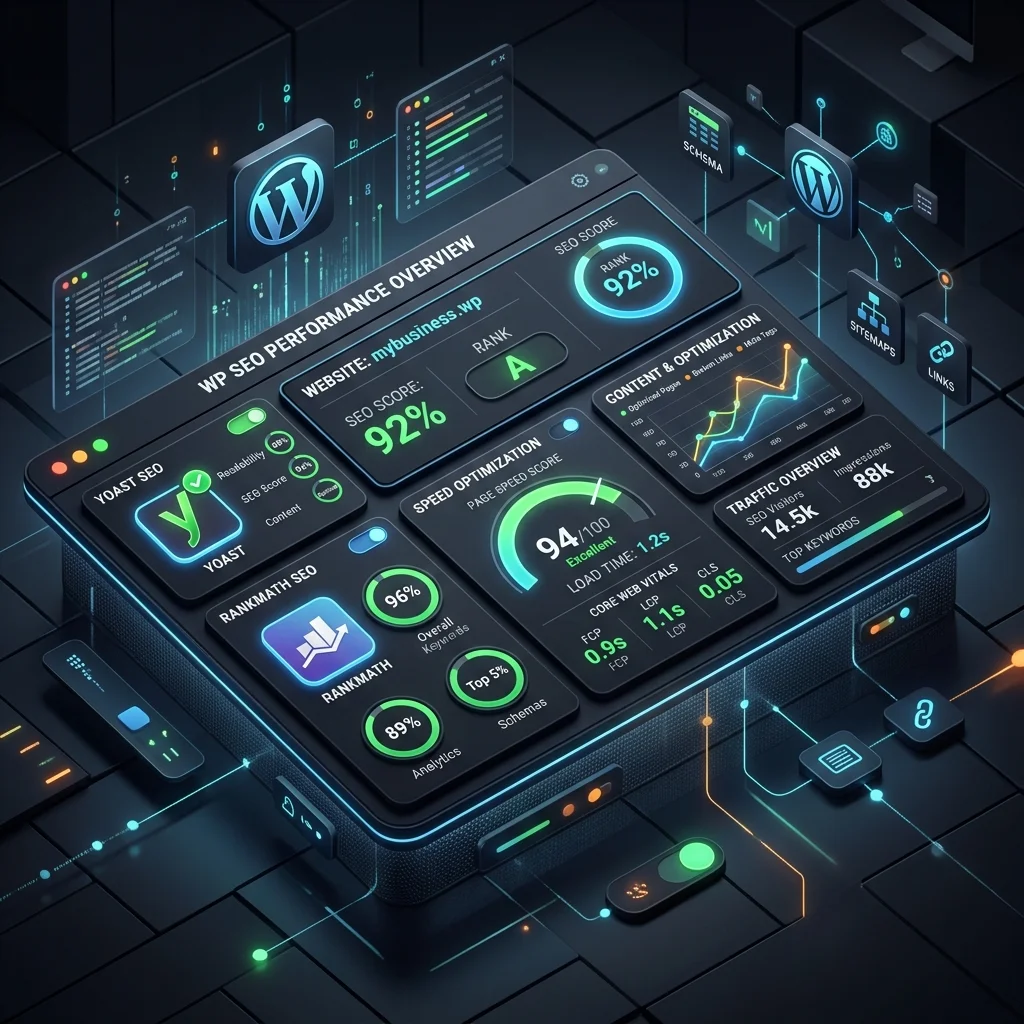
They differ in what the free tier ships:
| Feature | Yoast SEO | Rank Math |
|---|---|---|
| Free schema types | Limited | Extensive (Article, FAQ, Product, Local, Book) |
| Keyword analysis | Primary focus keyword | Up to 5 focus keywords (free tier) |
| Schema builder | Basic structured data | Advanced schema with multiple @type stacking |
| Admin UI weight | Heavier, more established UI | Cleaner, faster settings panel |
| Redirection manager | Premium only | Included in free version |
| WooCommerce schema | Available | More granular product schema out of box |
Our recommendation: Rank Math for new installations where schema flexibility and built-in redirect rules matter; Yoast for established sites with years of Yoast-managed content where migration risk outweighs feature gains. Whichever you choose, disable the other — running both creates conflicting canonical and meta tag output.
Whichever plugin you select, validate all meta titles against the 50–60 character / ~580 pixel limit using our SEO Title Checker before publishing.
3. Core Web Vitals on WordPress: Caching and Speed Stack
WordPress speed is decided by the caching stack before any plugin-level tweak matters: a page served as static HTML from an edge cache never touches the database, while an uncached page re-runs every query per request. Configure the tiers in order — server, object, assets — because anything a higher tier handles is work off the critical path.
Server-Level Caching (the most impactful tier)
- Full-page caching: LiteSpeed Cache, WP Rocket, or server-level FastCGI caching serve static HTML instead of rebuilding each page. This alone typically drops TTFB from 800ms+ to under 200ms.
- Object caching: Redis or Memcached store database query results, dramatically cutting backend load on sites with heavy dynamic content (e-commerce, membership, or directory sites).
Plugin-Level Optimization
- Image lazy loading: Native WordPress lazy loads images below fold; extend this to iframes and video embeds.
- CSS/JS deferral and minification: WP Rocket or Autoptimize consolidate and defer non-critical assets. Remove unused CSS per page with plugins like Perfmatters or FlyingPress.
- Heartbeat API control: throttle or disable the WordPress heartbeat on high-traffic admin pages to reduce AJAX overhead.
Diagnosing What’s Actually Slow
Use Google PageSpeed Insights and WebPageTest (select a mobile device profile) to identify whether your bottleneck is LCP (usually hosting or image delivery), INP (usually JavaScript bloat), or CLS (usually missing font or ad dimensions). Professional audits from our Speed Optimization services isolate the one or two changes that matter most — not every generic recommendation.
4. Image Optimization: WebP, AVIF, and Responsive Delivery
Images are the largest payload on most WordPress sites and the most common LCP failure source, so the fix is mechanical: modern formats, responsive selection, compression before upload, and dimensions declared before the bytes arrive. Fix all four at the pipeline level and every template inherits them — see the four controls below.
- Modern formats: Convert all editorial images to WebP (supported by ~97% of browsers) with AVIF as an additional source for supported clients. ShortPixel, Imagify, or EWWW handle bulk conversion and
<picture>tag output automatically. - Responsive images: WordPress generates
srcsetautomatically for attachment images; verify it’s enabled and that your theme outputs the correct sizes attribute so mobile devices don’t download 2000px hero images. - Compression before upload: Compress images to under 200KB before uploading — or enable server-side compression (many hosts now do this automatically).
- Explicit dimensions: Always set
widthandheightattributes on images to prevent CLS from late-loading media. WordPress’s block editor does this for image blocks; custom theme code must handle it manually.
5. Schema Markup and Structured Data
Schema markup is the difference between a blue link and a rich result: it tells Google which entity the page is, what it answers, and which enhancements it qualifies for. WordPress makes each path straightforward — plugin presets for common types, an add-on layer for the rest, and hand-written JSON-LD when you need exact control.
- Rank Math: Built-in schema types cover Article, FAQ, HowTo, Product, LocalBusiness, and more — with custom JSON-LD support for edge cases.
- Yoast + plugin add-ons: Yoast handles basic schema; pair with dedicated JSON-LD plugins for advanced types.
- Manual JSON-LD: For precise control (multiple @type stacking, nested entities), add schema directly in the theme via
wp_heador through a child theme’s functions.php.
Validate every schema implementation with Google Rich Results Test and our free Schema Generator before deployment.
6. Internal Linking Architecture
Internal linking is the most underused SEO lever in WordPress — free, fully under your control, and compounding with every page you add. Done deliberately it distributes authority from hubs into cluster posts, shows crawlers the hierarchy, and rescues pages that otherwise have no path in. The four moves below cover the whole practice.
- Hub-and-spoke model: Create pillar pages for core topics (e.g., “WordPress SEO”) that link to and receive links from cluster posts (e.g., “WordPress Image Optimization,” “Rank Math Configuration”).
- Contextual links beat navigation links: Links embedded in body copy carry more weight than sidebar or footer links. Aim for 3–5 relevant internal links per 1000 words.
- Breadcrumb schema: Breadcrumbs help crawlers understand hierarchy and appear in SERPs as navigational context — WooCommerce and SEO plugins output these if your theme supports them.
- Audit orphan pages: Use a crawler (Screaming Frog, Ahrefs) or your SEO plugin’s internal link report to find pages with zero or one incoming internal links — these are invisible to both users and bots.
7. Staging-to-Production SEO Checklist
Ship major WordPress changes through staging first: a verification pass there catches the failures that are invisible until they are live — a stray noindex, a canonical pointing at the wrong domain, a redirect that never fires. Run the pre-launch block below before deployment and the post-launch block after it, and keep the two crawls to compare.
Pre-launch on staging:
- Verify noindex is off on production after deployment (the most common catastrophic mistake)
- Check canonical URLs point to the production domain
- Confirm XML sitemap references the correct domain
- Test 301 redirects from old URLs to new ones
- Verify schema markup renders correctly on the live URL (not the staging URL)
- Run a fresh crawl and compare to the pre-launch crawl
- Test contact forms, e-commerce checkout, and search functionality
Post-launch:
- Monitor Search Console coverage for sudden indexation drops
- Watch 404 logs for broken URL patterns missed in redirect mapping
- Track keyword position changes for 2–4 weeks and roll back traffic losses attributable to specific changes
8. Multilingual SEO: Hreflang on WordPress
Hreflang tells Google which language and region each URL serves, so the right version ranks in the right market instead of competing with its own translations. On WordPress the annotations come from WPML or Polylang, but the four rules below decide whether Google reads them at all — and ignored annotations fail silently.
- Plugin-based implementation: WPML and Polylang generate hreflang automatically when languages are properly configured. Verify the output in the page source (
<link rel="alternate" hreflang="..." />tags). - x-default: Always include an
x-defaulthreflang pointing to your primary language version for users whose language doesn’t match any specific version. - Absolute URLs only: hreflang must use full URLs, not relative paths. Relative hreflang annotations are ignored by Google.
- Self-referencing hreflang: Each page must include an hreflang annotation to itself in addition to its alternates. This is a frequently missed requirement.
Test your hreflang setup with Google Search Console’s Coverage report and dedicated hreflang validators.
Conclusion
WordPress SEO in 2026 is a systems problem: the CMS handles the basics, but competitive rankings come from deliberate decisions about caching, schema, internal linking, image delivery, and multilingual configuration. Sites that treat SEO as a plugin installation task plateau; sites that treat it as an architecture discipline compound.
If your WordPress site isn’t ranking where it should be, our WordPress Development services and SEO Optimization services provide a full technical audit and implementation roadmap. Contact WebABC for a ranking diagnosis.
References and Further Reading
Every recommendation in this guide traces to Google’s own documentation or to a standards body, each listed with the page it supports. Read the first three if you read only three — they define crawlability, indexing and the international targeting rules the rest of this guide operationalizes.
- Google Search Central — SEO Starter Guide: the core technical requirements this guide operationalizes — crawling, indexing, canonicalization, and structured data.
- Google Search Central — Search Essentials: the technical requirements and best practices every WordPress site must meet to appear and perform in Search.
- Google Search Central — Managing multi-regional and multilingual sites: the official hreflang and x-default guidance referenced in the multilingual section.
- Google web.dev — Learn Core Web Vitals: the LCP, INP, and CLS metrics behind the caching and image-delivery recommendations.
- OWASP Top 10 Web Application Security Risks — OWASP Top 10: authoritative security standards for hardening CMS plugins and backend databases.
- W3C Semantic Web Standards — W3C JSON-LD: formal technical specifications for structured data schema integration.
- WordPress Developer Resources — Plugin Handbook: authoritative reference for evaluating how plugins handle caching, schema, and performance before installation.