Choosing between WordPress and custom development is a business decision before it is a technical one. The platforms differ most in what they ask from you after launch: WordPress asks for plugin discipline and occasional remediation, while custom development asks for developer time. This guide compares cost, timeline, team fit, and maintenance load, then gives you a checklist to commit on.
For the performance, security, and scaling detail behind this decision, read the WordPress vs Custom Development architecture comparison.
Quick Comparison
WordPress ships faster and cheaper when the requirements are conventional; custom development costs more and takes longer but hands you control over performance, features, and long-term ownership. Which trade-off you should accept depends on budget, launch deadline, and who maintains the site after go-live.
| Factor | WordPress | Custom Development |
|---|---|---|
| Setup time | Days | Weeks to months |
| Upfront cost | Lower | Higher, typically 3–5x |
| Best for | Content-driven sites, blogs, standard e-commerce | Complex apps, unique features, high-scale platforms |
| Performance ceiling | Good, but plugin-dependent | Excellent, built to exact spec |
| Ongoing maintenance | Plugin/theme updates, security patches | Requires developer involvement for changes |
| Customization | Limited by available themes/plugins | Unlimited, code exactly what you need |
| Long-term cost | Can rise as plugin/hosting needs grow | Higher upfront, often lower total cost of ownership |
Read the table as trade-offs rather than scores. No row is a verdict on its own; the row that matters most is the one you will live with weekly, whether that is a publishing dashboard your marketers run themselves or a backlog your developers prioritise each sprint.
Cost and Timeline: What You Actually Pay For
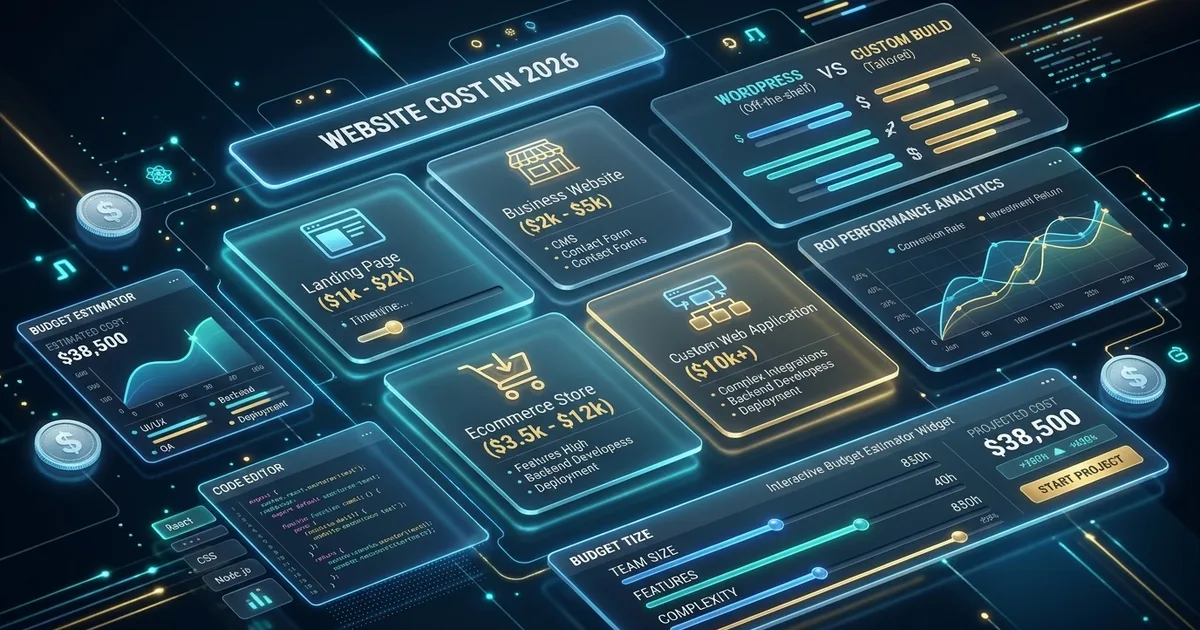
A WordPress site ships in days to a few weeks with a predictable, low upfront cost; a custom build runs weeks to months and typically costs three to five times more to launch. The gap narrows over time, because custom code replaces paid plugins and recurring remediation with work your team already owns.
Where the WordPress budget goes. Design and content entry dominate, followed by premium theme or plugin licences, a hosting tier that can handle the plugins you installed, and periodic work to untangle conflicts after updates. The build itself is fast because scaffolding exists; you are paying for configuration and content, not engineering.
Where the custom budget goes. Discovery and architecture first, then interface design, engineering, and a testing pass that does not exist in a plugin build. Integrations are priced explicitly instead of assumed. Because everything ships from your repository, changes after launch are scoped tickets rather than plugin archaeology.
Timeline shape. WordPress compresses the front of the project and stretches the content-loading phase. Custom stretches the front — architecture, design, build — and shortens the part where surprises appear, because requirements were settled before code was written.
WordPress: The Popular Choice
WordPress is popular because it converts engineering work into configuration: you launch on a pre-built platform with a mature plugin market, and non-technical staff get a publishing interface they can learn in an afternoon. The same characteristics that make it fast to start make it harder to leave later.
WordPress powers over 40% of all websites on the internet. For a transparent pricing breakdown of building on this platform, read our comprehensive 2026 WordPress Website Cost Calculator Guide. Here is why it stays the default for so many teams:
Advantages of WordPress
- Quick Setup: launch in days, not months, because themes, plugins, and hosting templates already exist
- Cost-Effective: lower initial development costs (see our Remido e-commerce case study for a high-performing WooCommerce deployment)
- Huge Ecosystem: thousands of themes and plugins cover features you would otherwise commission
- Easy Content Management: a familiar interface for non-technical editors, with roles, previews, and scheduling built in
- Large Community: extensive support, documentation, and developers you can hire anywhere
WordPress Limitations
- Performance Overhead: plugin and theme code accumulates on every page until caching becomes mandatory rather than optional
- Security Concerns: a popular target, where most incidents trace back to plugins and stale installs rather than core
- Customization Limits: complex features mean writing custom code inside someone else’s framework
- Plugin Dependencies: reliance on third-party plugins whose authors may abandon them or raise renewal prices
Custom Development: Tailored Solutions
Custom development means building your site from scratch on frameworks like Astro, Next.js, or Laravel, so every feature is written to your specification instead of bent out of a plugin’s settings screen. You pay in launch time and developer hours; you own the codebase in return. Explore our custom web development services to see how tailored architectures scale.
Advantages of Custom Development
- Complete Control: full flexibility over features, data models, and integrations, with no plugin’s roadmap dictating yours
- Optimized Performance: code only what you need (our speed optimization services ensure sub-second rendering, as proven by our 0.4s load time on London Rug Cleaning)
- Scalability: easier to scale as your business grows, because traffic is served from cached or static output instead of a database per request
- Unique Design: stand out with interfaces designed for your workflow rather than adapted from a theme
- Better Security: a smaller, auditable surface with dependencies your team patches on its own schedule
Custom Development Drawbacks
- Higher Initial Cost: a larger upfront investment that has to be justified by a multi-year horizon
- Longer Timeline: more time between decision and launch, with design and build sequenced properly
- Technical Expertise Required: skilled developers for maintenance, deploys, and security patches
- No Quick Fixes: small changes become tickets, and small emergencies become out-of-hours work
Team Fit: Who Owns the Site After Launch
WordPress fits teams with no developers, because publishing and routine changes happen in a dashboard. Custom development fits teams with engineering access, because every content-model change, feature tweak, and security patch becomes a ticket. If you cannot name who maintains the site in year two, you are not ready to choose a stack.
| Team you actually have | Better fit | Why |
|---|---|---|
| Marketers or a founder who publish weekly | WordPress | Editing, scheduling, and campaign pages need no deploy |
| One part-time developer | Either | They can maintain a lean WordPress install or own a small codebase, but not both at scale |
| A product team with a backlog | Custom development | Features ship as code review, not plugin configuration |
| No technical owner at all | WordPress with a support retainer | Someone must apply updates; a custom site with no maintainer becomes a liability |
Hiring changes the answer too. WordPress developers are abundant and interchangeable, which keeps rates competitive and switching agencies easy. Strong custom developers are scarcer and less fungible, so the real cost of a bespoke stack includes the risk that its original author leaves and the next person must read the whole codebase first.
When to Choose WordPress
Choose WordPress when speed of launch and self-sufficient publishing matter more than control: a limited budget, standard functionality such as a blog, portfolio, or basic store, and someone on your team who will manage the site themselves without filing tickets for every change.
- You need a website quickly, and the launch date will not move for a three-month build
- Have a limited budget where engineering hours are the first thing to cut
- Require standard functionality (blog, portfolio, basic e-commerce) that plugins already solve
- Want easy content management your marketing team can run without developer help
- Plan to manage the site yourself and accept the update and security chores that come with it
When to Choose Custom Development
Choose custom development when the website carries logic a CMS cannot express cleanly — unique functionality, a web application, hard performance targets, or specific security requirements — and you have the engineering capacity or a retained team to own what gets built, patched, and scaled over its lifetime.
- You need unique, complex functionality that no plugin models correctly
- Performance is critical to paid traffic, conversions, or search visibility
- You are building a web application with accounts, state, and real-time data
- Scalability is a priority because traffic or catalogue growth is planned, not hypothetical
- You have specific security or compliance requirements you must demonstrate in code
The Hybrid Approach
The hybrid approach keeps WordPress where it is strong — content-heavy sections like the blog and news — and builds custom applications for the features that do not fit, then joins them through an API or a shared data layer. It costs more to set up than either pure option and saves you from migrating later.
- Use WordPress for content-heavy sections (blog, news, and landing pages your team edits daily)
- Build custom applications for complex features such as portals, booking flows, or pricing engines
- Integrate both systems through one identity provider and one data source, so authentication and product data are not duplicated
The hybrid fails in predictable ways. Two stacks mean two deployment pipelines, two security surfaces, and a seam where content in one system must reference assets in the other. It earns its complexity only when both halves are genuinely load-bearing; if the custom piece is three screens, fold it into WordPress and keep one system to run.
Decision Checklist: Five Questions Before You Commit
Before you commit, answer five questions in writing: what share of the requirement is content, who maintains the site in year two, what the launch deadline is, which features are non-negotiable, and what you can afford to spend in the first year. Where most answers point, that is your platform.
- How much of this is content? Mostly articles, pages, and a catalogue points to WordPress. Mostly application logic points to custom.
- Who owns maintenance? A named non-technical owner works with WordPress. A developer or agency retainer keeps custom viable.
- What is the real deadline? If a fixed date matters more than feature fit, WordPress wins by default.
- Which three features cannot be compromised? Price each one as a plugin and as a build; the total decides.
- What does year three cost? Count plugin renewals, hosting upgrades, and remediation on one side, and developer hours on the other.
Two scenarios show how it resolves. A twelve-person services company whose founder blogs weekly, with no developers and a lead-generation goal, lands on WordPress. A logistics startup with a customer dashboard, an API partners integrate against, and load times discussed in investor meetings lands on custom development.
Conclusion
There is no one-size-fits-all answer: WordPress wins for content-driven sites with standard requirements and limited budgets, while custom development wins for applications that need specific features, performance, and scale. Pick the one your team can operate, and plan your exit before you need it.
Consider your budget, timeline, technical requirements, and long-term goals when making your decision. Migrating later is the expensive path, so choose the stack your next three years of plans actually require.
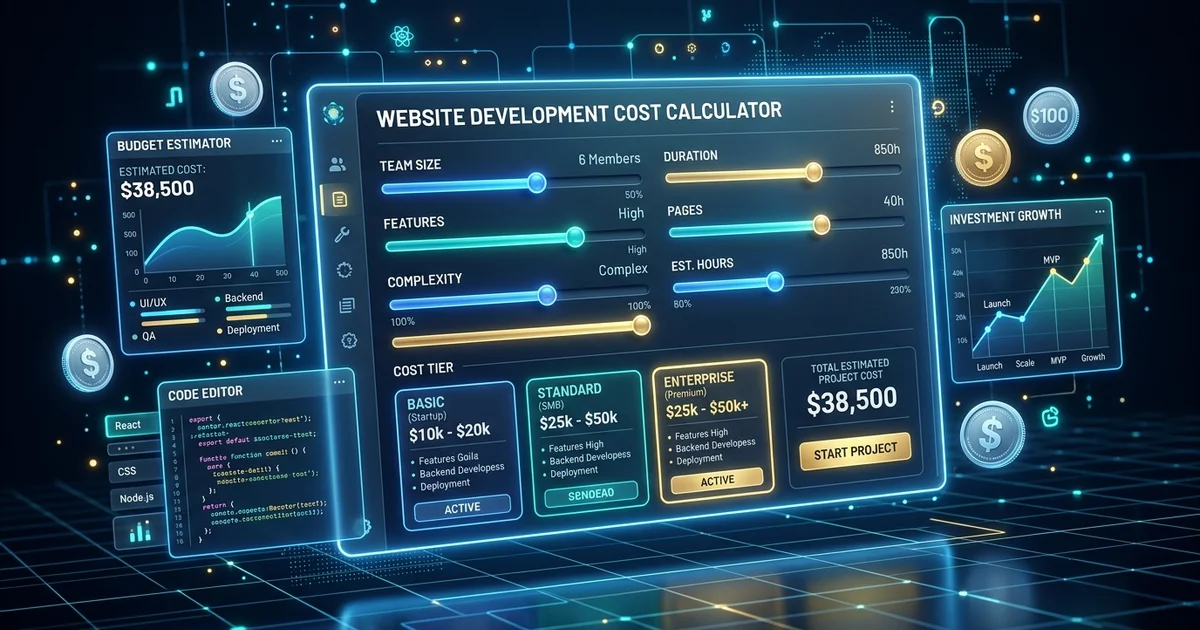
Explore our WordPress & WooCommerce development and custom web development services, or run the numbers yourself with our free Website Cost Calculator.
Need help deciding? Contact WebABC for a free consultation to determine the best approach for your project.